By words
Local AI tags and describes every preview, so “walnut dining chair” or “brass pendant” finds the models you already own.
 Buy Oruva ↗︎
For archviz artists · Corona · V-Ray
Models from 3dsky, Evermotion, Design Connected or your own projects open in Blender, Cinema 4D, Maya, Houdini or SketchUp, without 3ds Max, with their Corona and V-Ray materials rebuilt for the renderer you use.
14-day free trial10 conversionsNo credit cardWindows and Mac
No 3ds Max
Point Oruva at the folders that hold your .max models and their preview pictures: a 3dsky download folder, an Evermotion collection or your own project archive. It connects each picture to its model.
Right-click the picture, choose Send to, then your app and renderer. Missing textures are listed before sending.
A native scene opens with real, editable materials. Anything approximated is listed in a report.
of 335 .max files picked at random from a real 73,871-file model library converted in our October 2026 test. Anything approximated is listed in the conversion report.
Your library
Local AI tags and describes every preview, so “walnut dining chair” or “brass pendant” finds the models you already own.
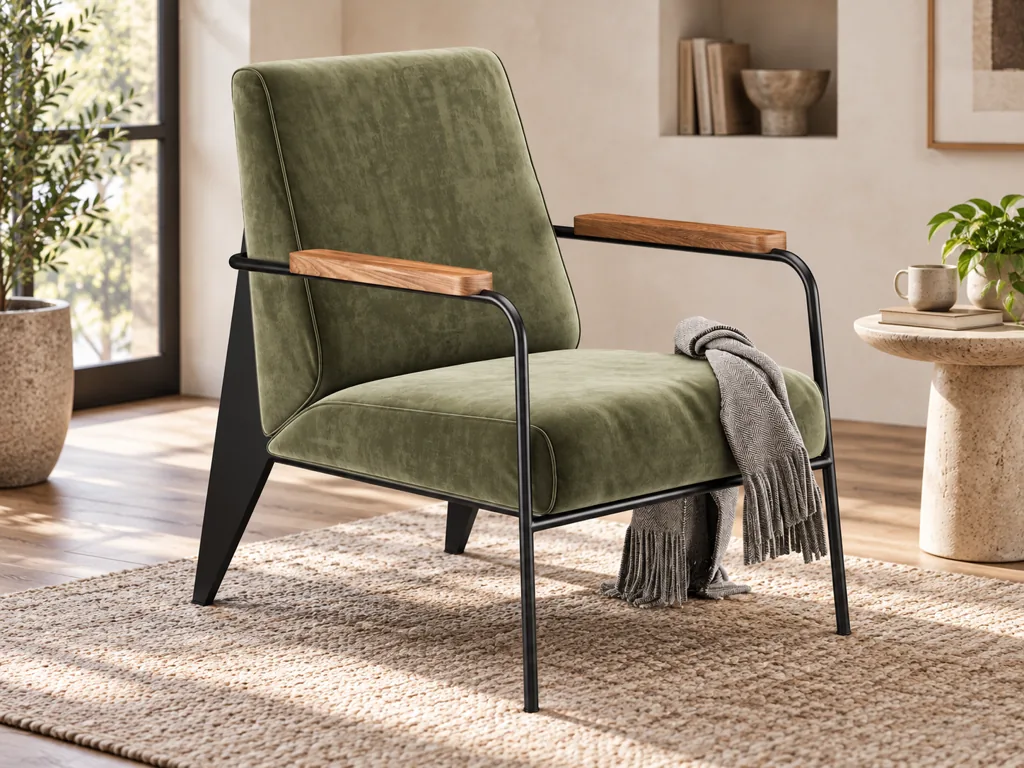
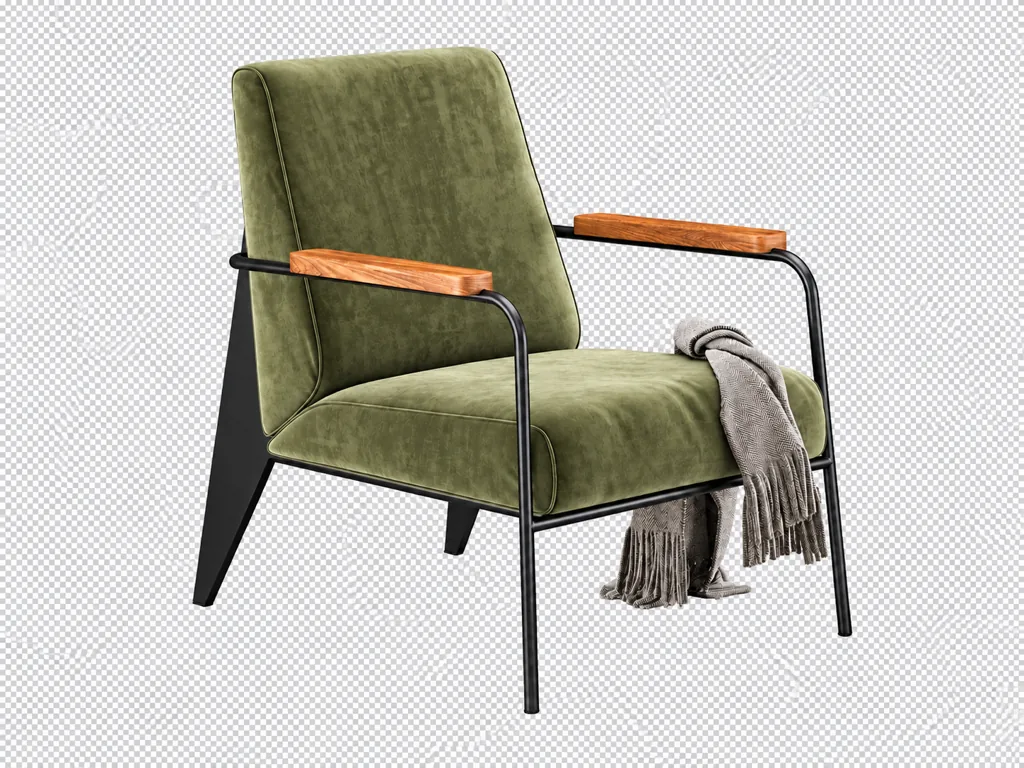
Drop a photo or screenshot. Oruva isolates the object and searches your library for a visual match.
Filter the whole library by colour to find the sofa, rug or lamp that fits your palette. It all runs on your computer.
New · AI 3D scene building (Oruva Link)
Give ChatGPT or Claude a photo or a sentence. Through Oruva, it finds models in your own library and builds the scene in your open 3D app, with native, editable materials. Oruva doesn’t generate models: it builds with real meshes from your library, in a scene you keep editing.
Windows · Paid Oruva license · Requires the Codex app or Claude desktop app
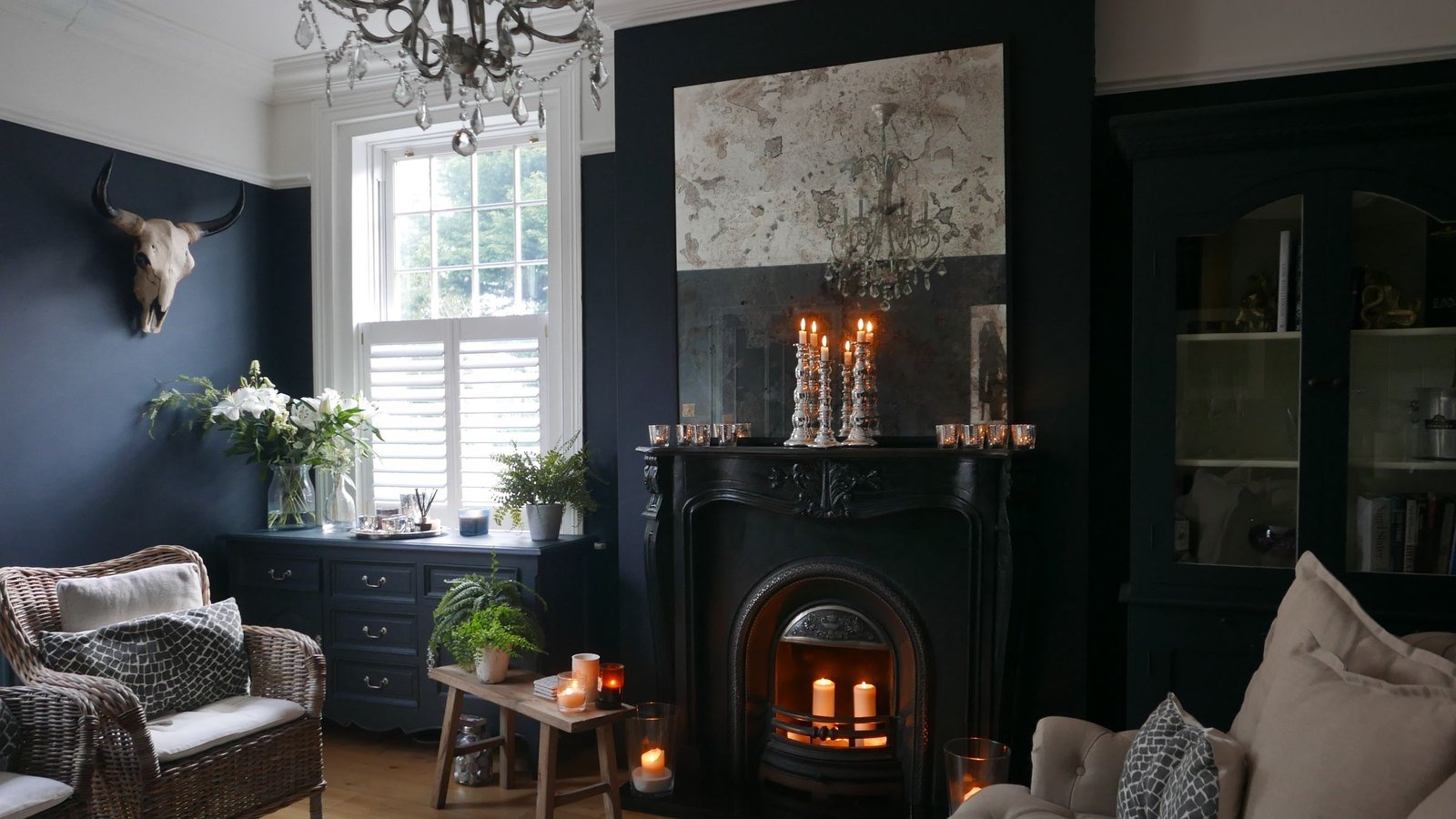
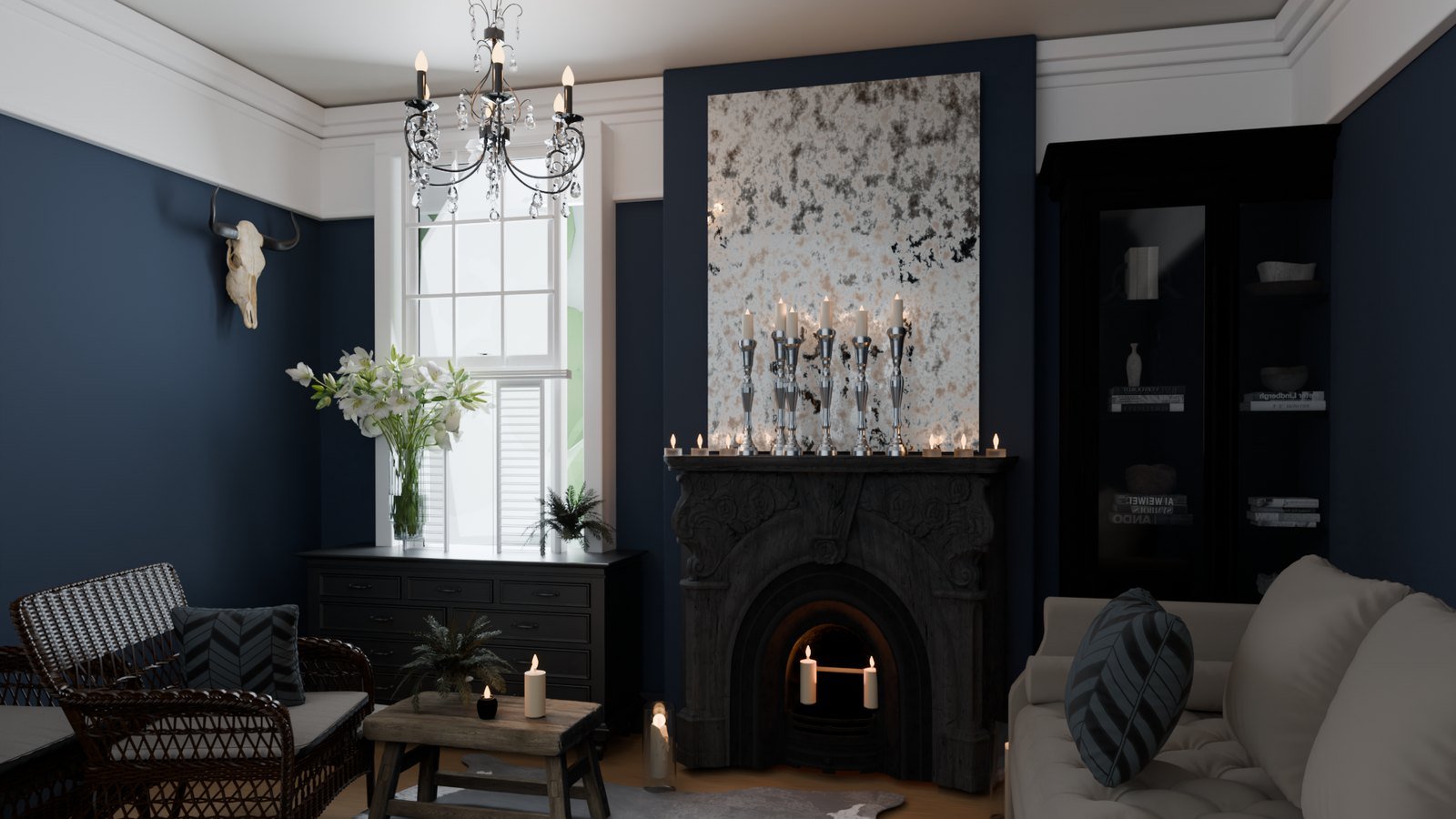
What ChatGPT or Claude receives: your prompt and any photo you share, plus what Oruva returns to build the scene: model names, tags and descriptions, preview pictures, sizes, the scene’s object and material names, and renders of the scene. Your model files and folder paths are never sent.
A separate Blender example, built by ChatGPT with models from an Oruva library. An interpretation built with existing library models; results depend on your library and direction. Reference photo by Sand Atkinson on Pexels.
Questions
Yes. Oruva opens .max models from 3dsky, Evermotion, Design Connected or your own projects without 3ds Max installed. Convert files you own or are licensed to use.
Yes. Oruva rebuilds Corona and V-Ray materials as editable materials for the renderer you use, with their textures relinked. Renders won’t always match 1:1; when a renderer can’t express something exactly, the conversion report says so.
Cinema 4D 2024 or later with Redshift, Corona, V-Ray, Octane or Arnold; Blender 4.2 to 5.2 with Cycles, Eevee or V-Ray; Maya 2024 to 2027 with V-Ray or Arnold, and Redshift in beta; Houdini 20.5 to 21.x with Karma, Arnold or V-Ray, and Redshift in beta; SketchUp 2024 to 2026 with V-Ray, Thea or Enscape. It also opens them in 3ds Max, if you have it.
Oruva opens files saved in 3ds Max 2009 through 2027, including the older versions most model libraries still use.
Yes. Local AI tags and describes every preview, so you can search your library by words, by colour or with a photo, and it runs on your computer.
Yes, with AI 3D scene building (Oruva Link), included with a paid license on Windows. Give ChatGPT in the Codex app, or the Claude desktop app, a photo or a sentence, and it builds the scene in your open 3D app with models from your own library.
Oruva costs $99 once at the launch price, until 22 March 2027, then $149, with no subscription. It includes one year of updates, for one person on up to two computers, and you can try it free for 14 days first.
Yes. Oruva is for Windows and Mac. Download the version for your computer from the download page.
No. Conversion runs on your computer, and your account is used for the license check only.
Free for 14 days with 10 conversions and no credit card. Then a one-time license from $99. Windows and Mac.