

Designer
Find models with the same style, palette, or both. Start with a swatch, a hex color, or up to eight reference images.
 Buy Oruva ↗︎
 Cinema 4DUntitled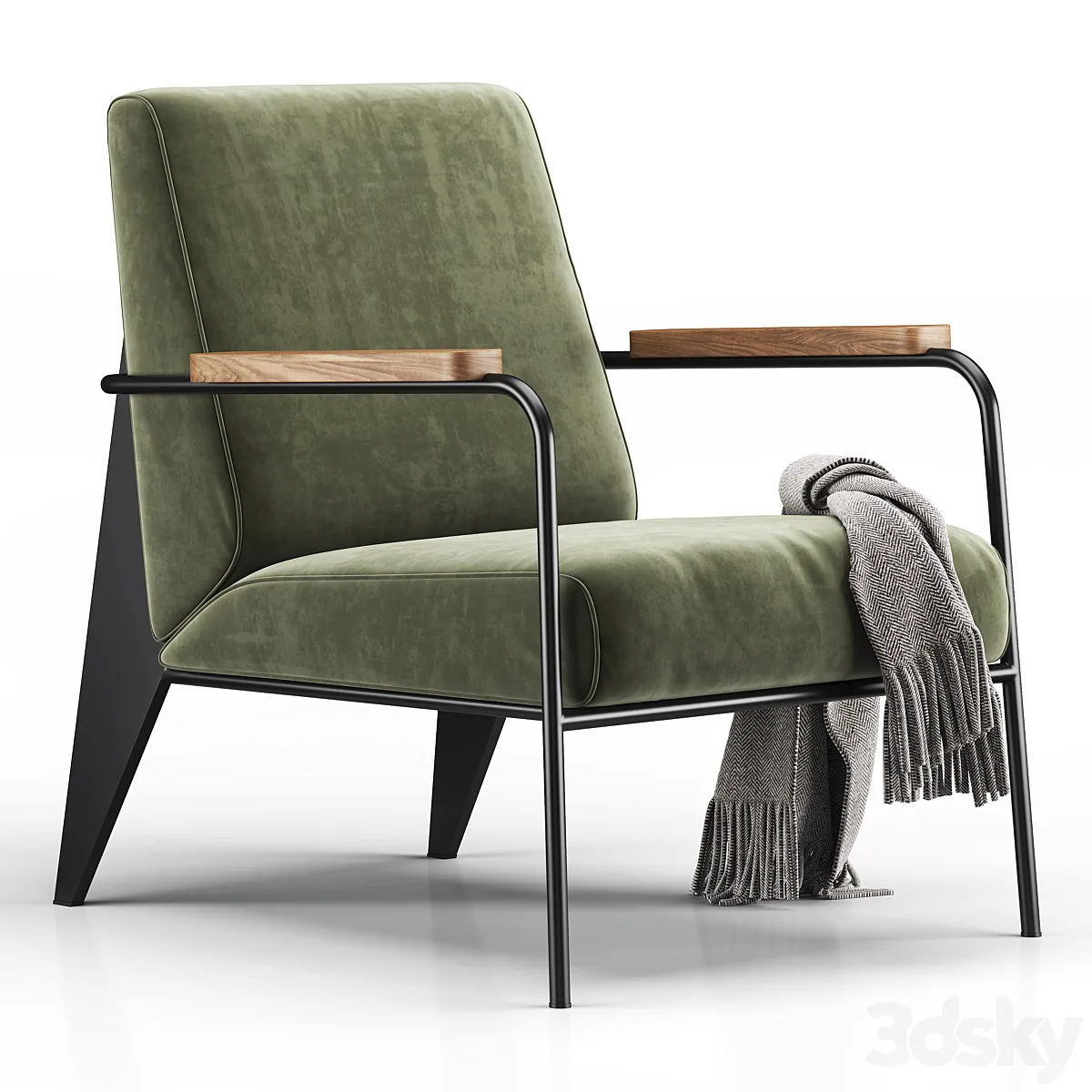
Oruva for Windows & Mac · local-first
The best 3D models come as .max files — and most of us don’t work in 3ds Max. Oruva opens them in Cinema 4D, Blender, Maya, Houdini, or SketchUp, with real, editable materials.
14-day free trial · 10 conversions · no credit card · account required
Watch it in the real apps ↓THE FILM · 2:06
1/OPEN
REAL CAPTURES. REAL CREATIVE TOOLS.
Open .max files on a Mac — where 3ds Max has never run.
Cinema 4D V-Ray · Mac
Playback is unavailable here. Use “Open recording” to watch the file directly.
17 original screen recordings · trimmed and sped up.
MAX → NATIVE
Geometry, textures, and the connections between them. Follow what arrives in your app.
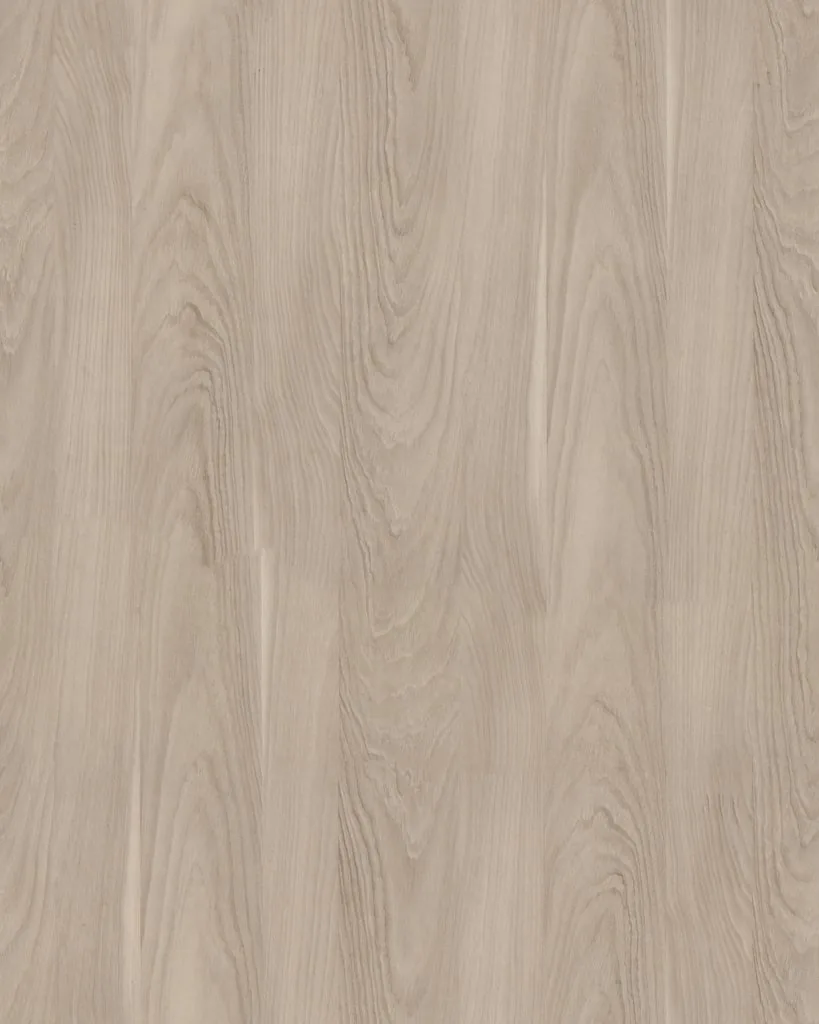
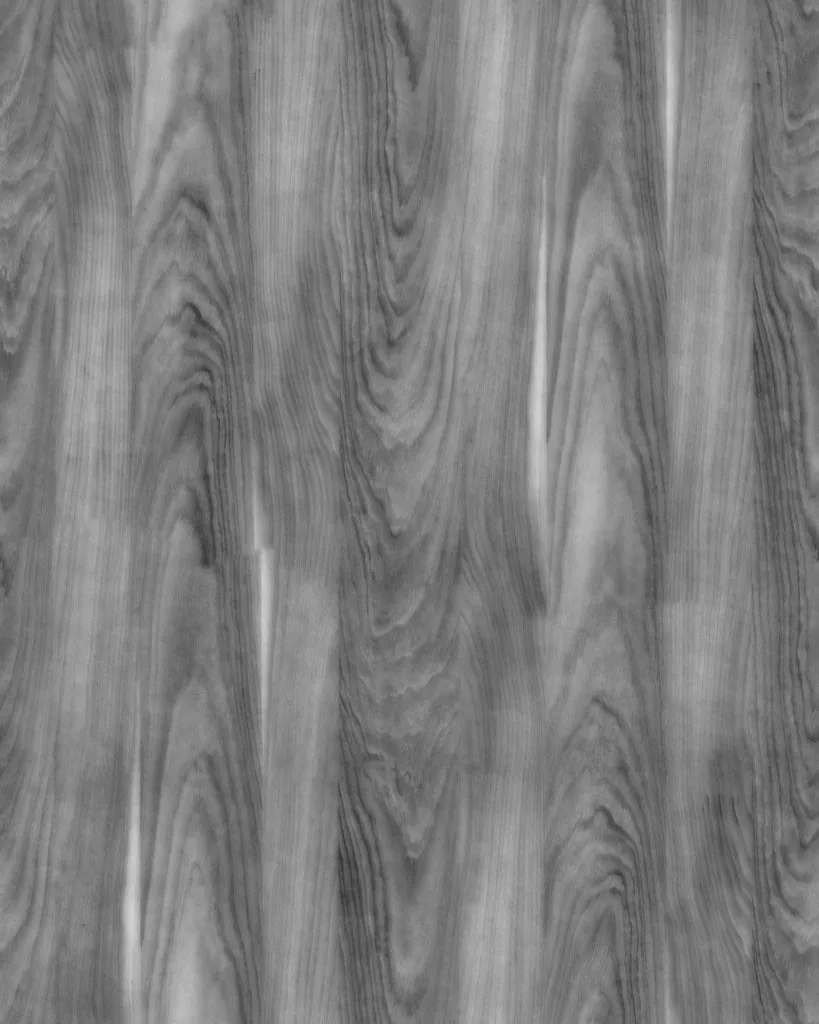
Gamma 1.00
Saturation 1.00
Strength 0.15
V-Ray MaterialBase color
Roughness 0.38
Normal Connected
Supported materials become native nodes. Any approximations are reported. See the recordings above for the actual workflow.
ONE SOURCE. SO MANY DIRECTIONS.
Choose a supported app and renderer. Oruva rebuilds the scene with native geometry and editable materials.
See all requirements ↗︎CHOOSE YOUR DESTINATION
AND YOUR RENDERER
Cinema 4D + V-Ray → native .c4d
For the five native destinations, install the app, its Oruva connector, and your renderer. Enscape is Windows-only. 3ds Max opens the .max scene natively, or merges it into an open 3ds Max 2027 through its Oruva connector — no renderer translation needed.
2/BUILD
NEW · ORUVA LINK
Blocking out a scene used to mean hours of searching, importing and placing. Now give ChatGPT or Claude a photo or a sentence. Through Oruva, it finds models in your own library and builds the scene in your open 3D app—with native, editable materials. You shape the idea. It handles the setup.
Windows · Paid Oruva license · Requires the Codex app or Claude desktop appREAL MODELS. CREATIVE CONTROL.
Oruva doesn’t generate models. It builds with the ones you own: real meshes, native materials for your renderer, and a scene you keep editing, one undo step per change.
Here’s a photo of a living room. Rebuild it in the open Cinema 4D scene using my Oruva library.
One example: architectural visualization. Ask for any scene your library can furnish: “a studio shot of a perfume bottle on black marble”, “a boutique window display”, “a cozy reading corner”.
FROM REFERENCE TO EDITABLE SCENE
No human edits. ChatGPT built this separate Blender example with models from an Oruva library.
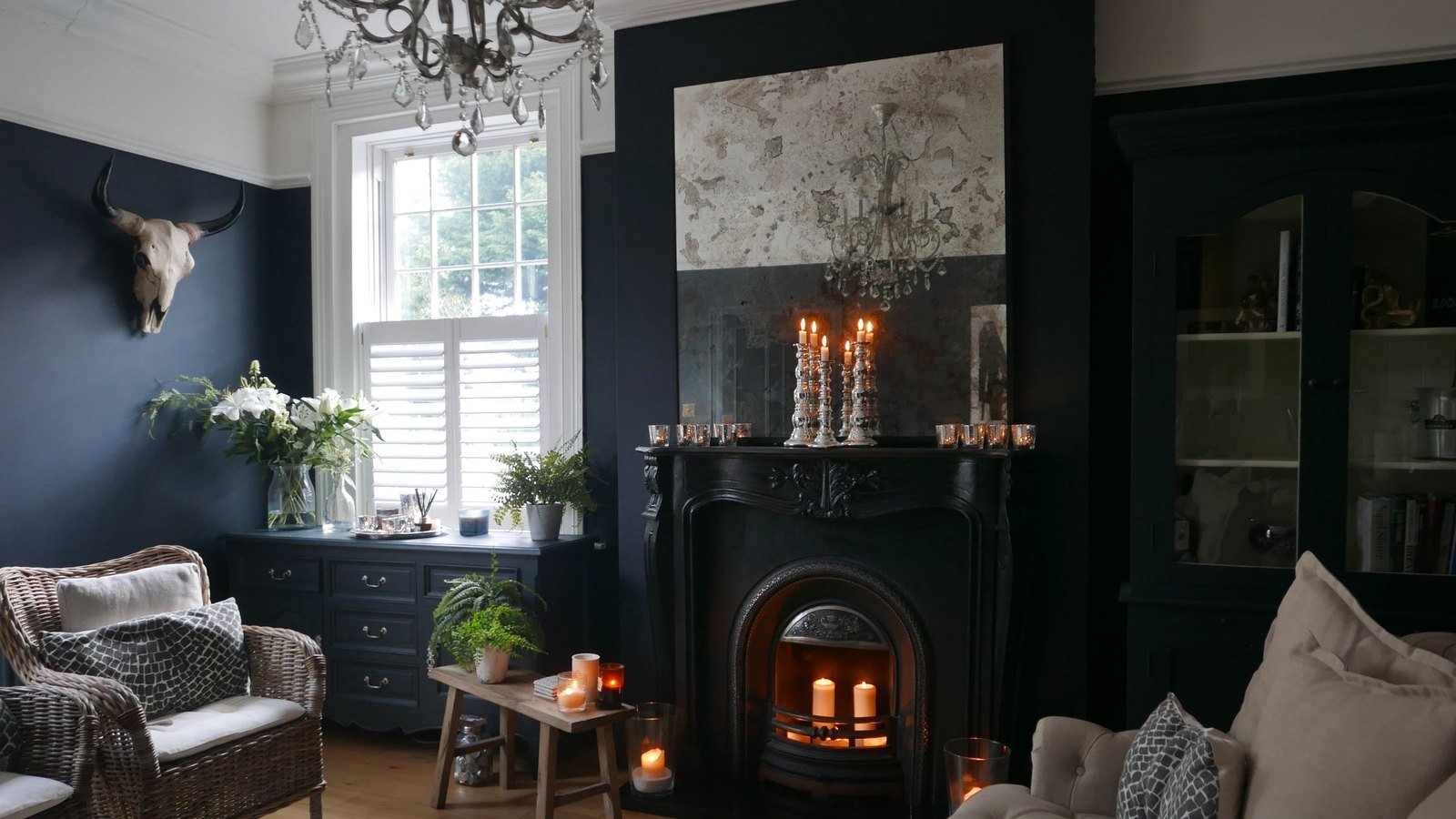
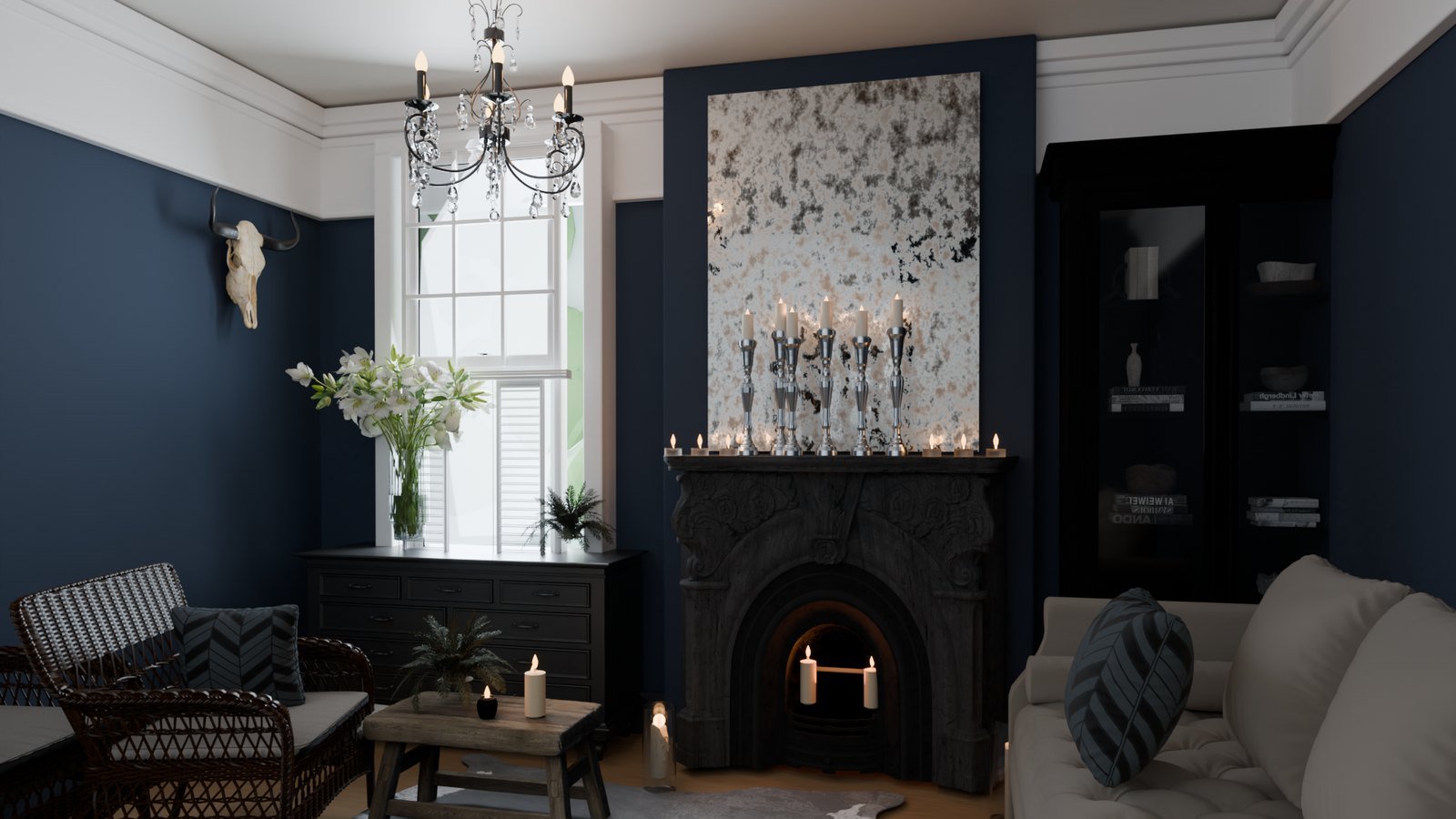
Drag to compare. An interpretation built with existing library models; results depend on your library and direction.Reference photo by Sand Atkinson on Pexels.
IN THE APP YOU HAVE OPEN
Cinema 4D Blender
 Maya
Maya Houdini
 3ds Max2027
 SketchUpSoon
In 3ds Max it brings in and arranges your models; you handle materials and the render.
V-Ray · Corona · Redshift · Arnold · Octane · Cycles · Eevee · Karma
Renderer availability depends on your 3D app.
CONNECT YOUR ASSISTANT
Use ChatGPT through the Codex app or the Claude desktop app on the same computer as Oruva and your 3D app.
Link is included with paid Oruva licenses, on Windows. Turn it on in Preferences › GPT/Claude when you’re ready.
See Oruva licensesYou choose when to connect. Link is off until you enable it. The local connection lets your assistant see requested previews, names, sizes and renders, but never model files or folder paths. That information is shared with the assistant you use.
Local AI and scene building have different jobs. Oruva’s built-in Local AI handles tags, names and search on your computer, and an optional offline chat if you switch it on. ChatGPT or Claude builds the scene through Oruva Link.
3/ORGANIZE
SEARCH
Describe the model you need. Search your preview images by meaning, color, shape, and silhouette — even when the filename says nothing useful.
 YOUR LIBRARY / SEARCH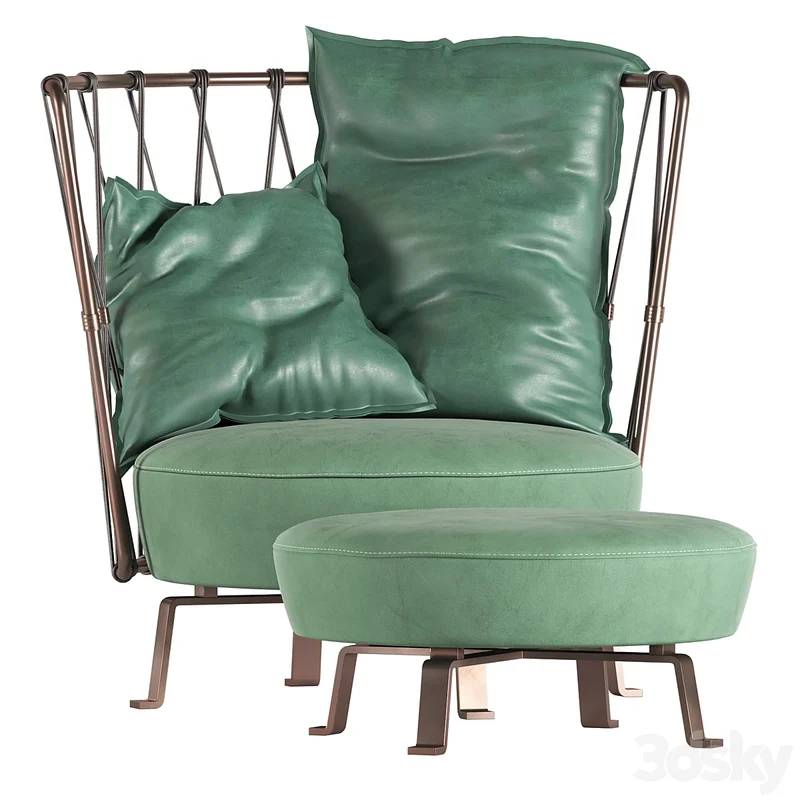
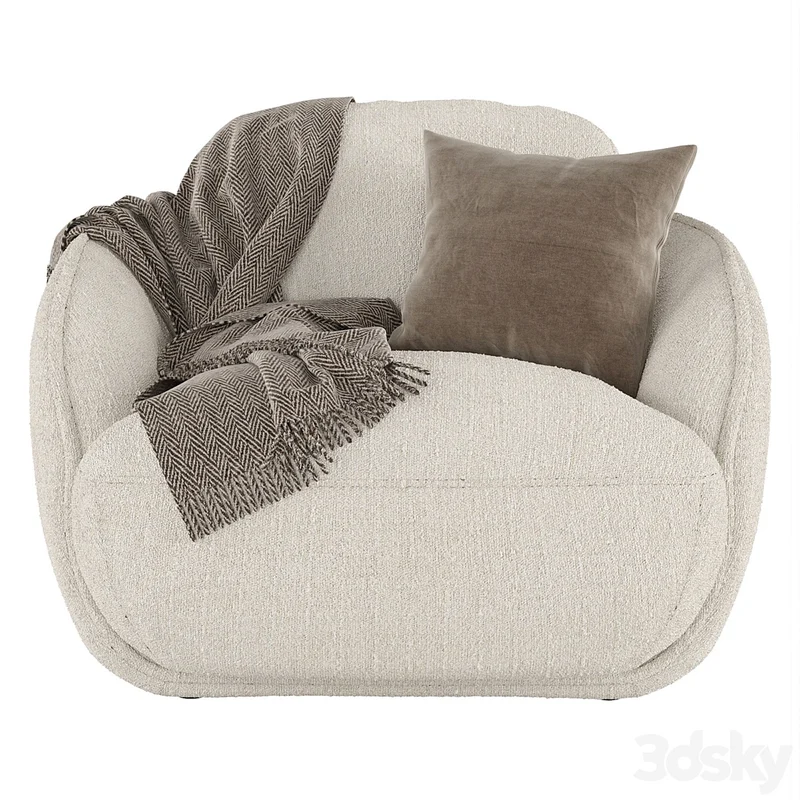
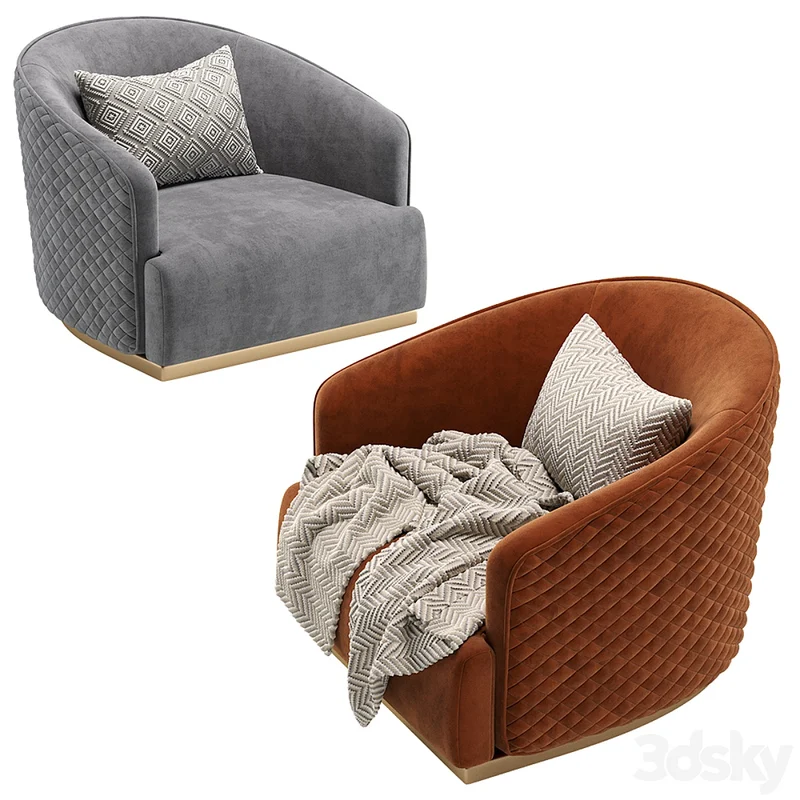
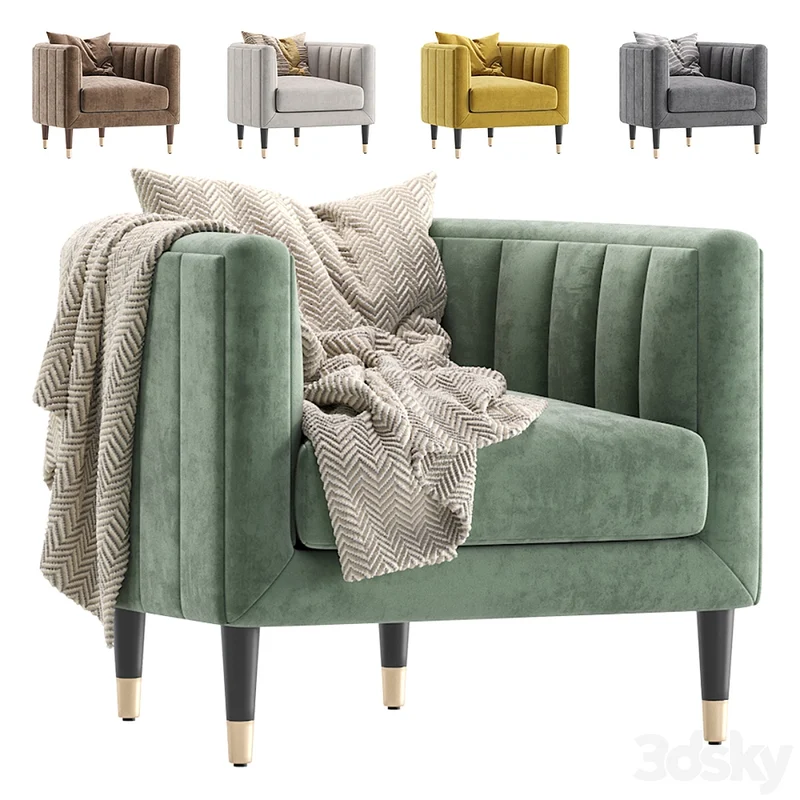
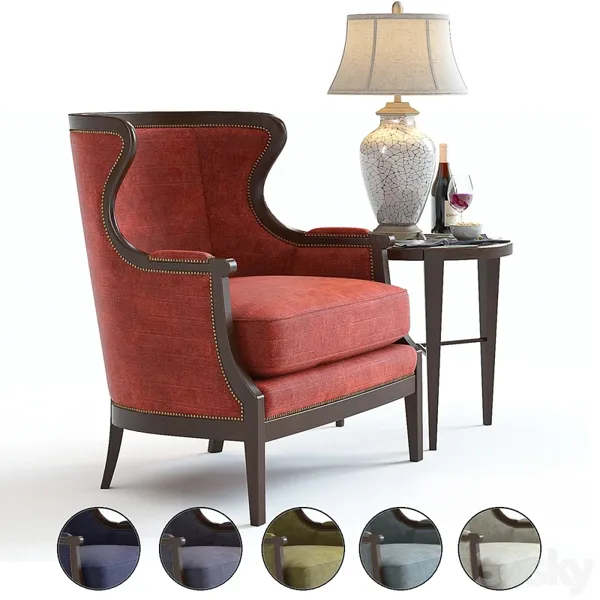
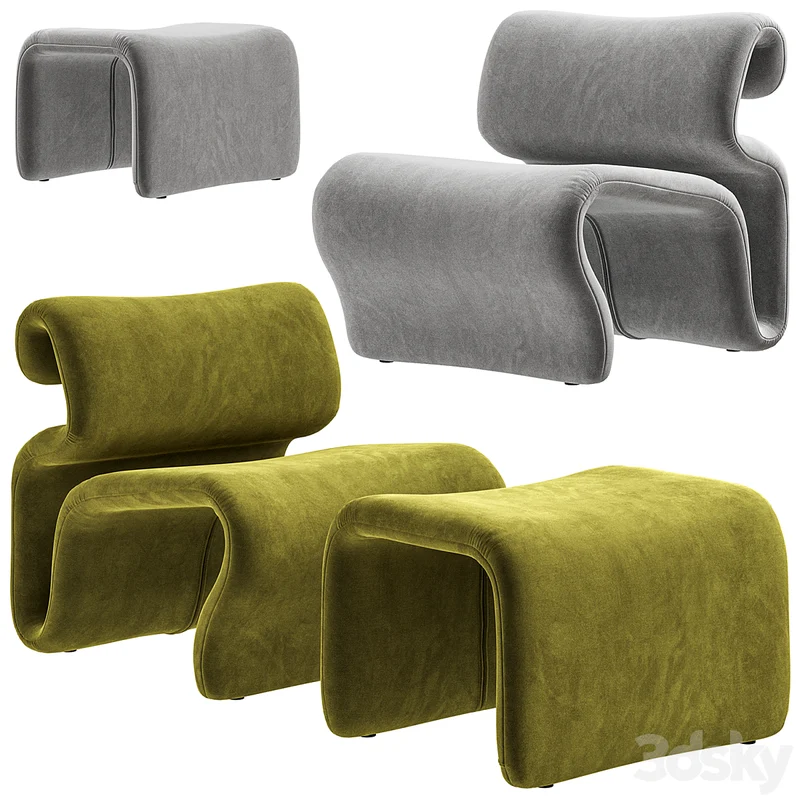
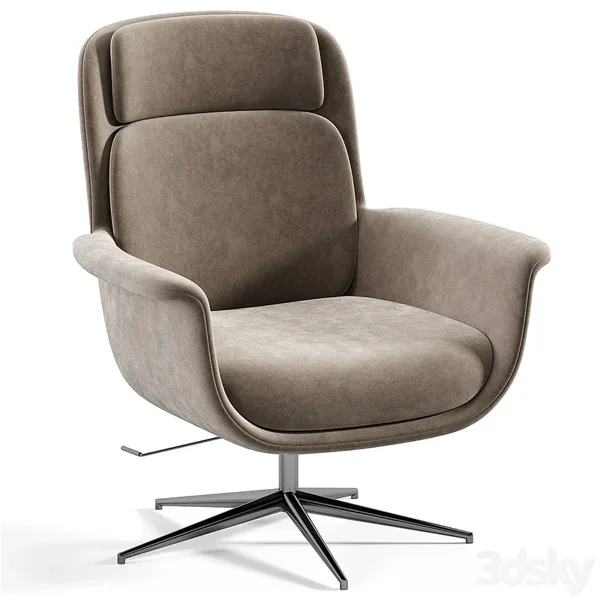
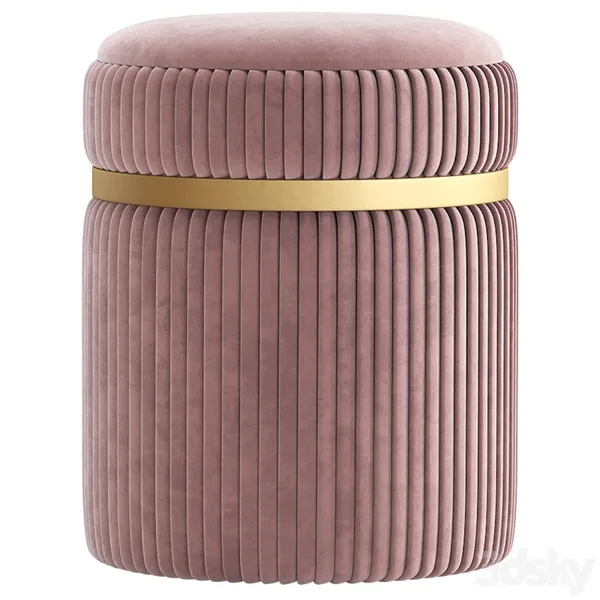
Found your picture? Use Send to to open its connected model in your 3D app.
VISUAL SEARCH
Thousands of models across your drives, and you can’t find the one you need? Drop a photo or screenshot. Oruva isolates the object and searches your library for a visual match.
YOUR LIBRARY / VISUAL SEARCH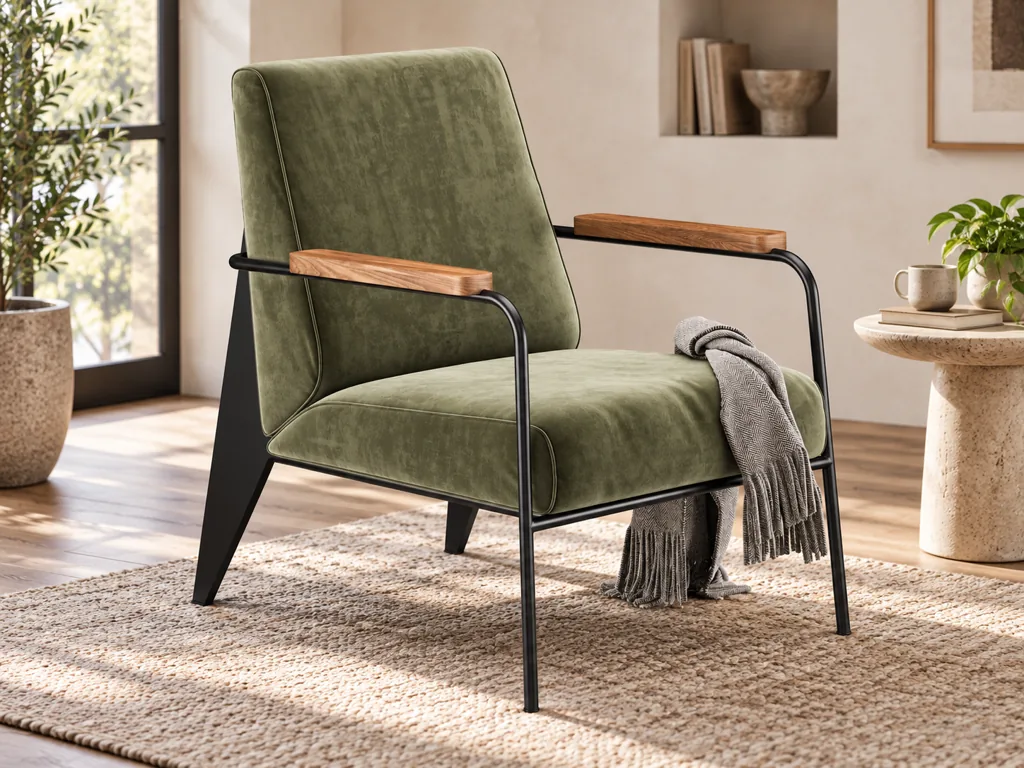 inspiration.jpgA photo. A screenshot.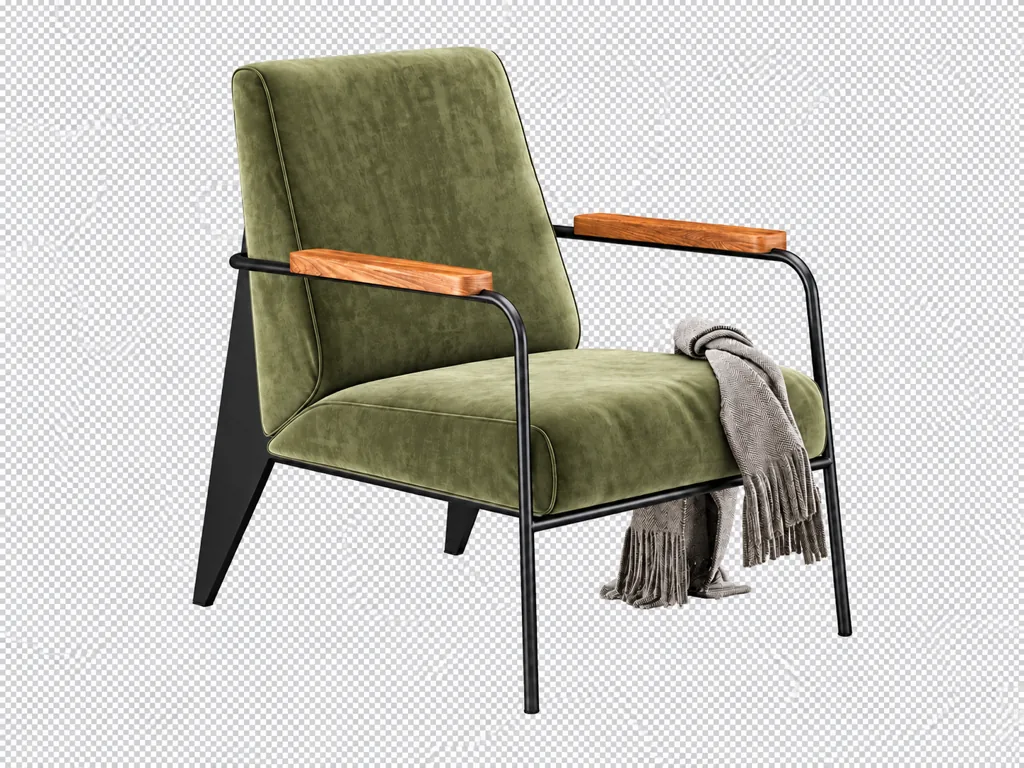
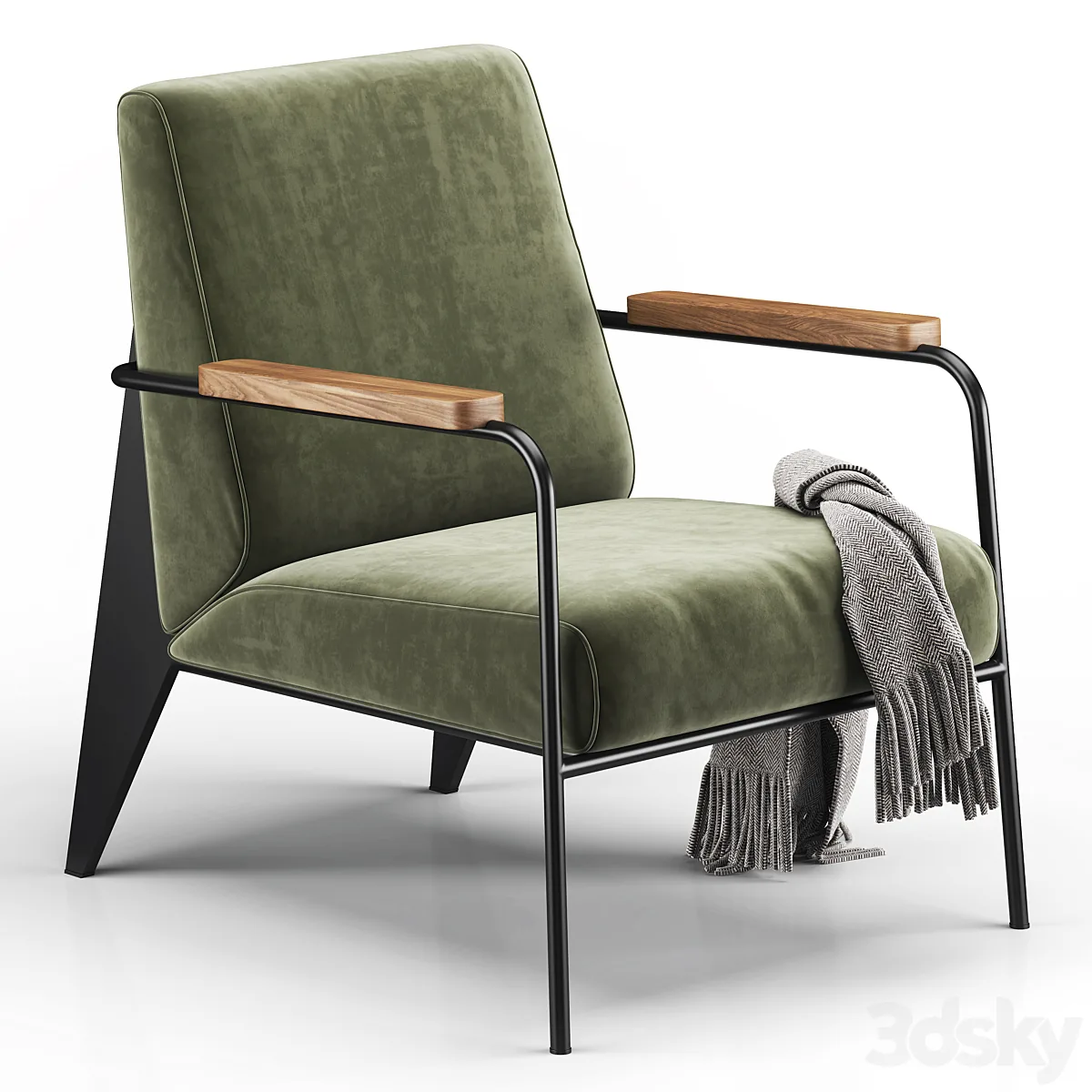 ✓ VISUAL MATCH
A matching picture from your library. Use Send to to open its connected model.
From inspiration
to a preview in your library.
Find the picture. Send its model to your app.
MAKE IT SMART
First, Oruva describes and tags your library automatically. Then you can search by the details you have in mind.
Start with the render. Oruva looks at the object itself.
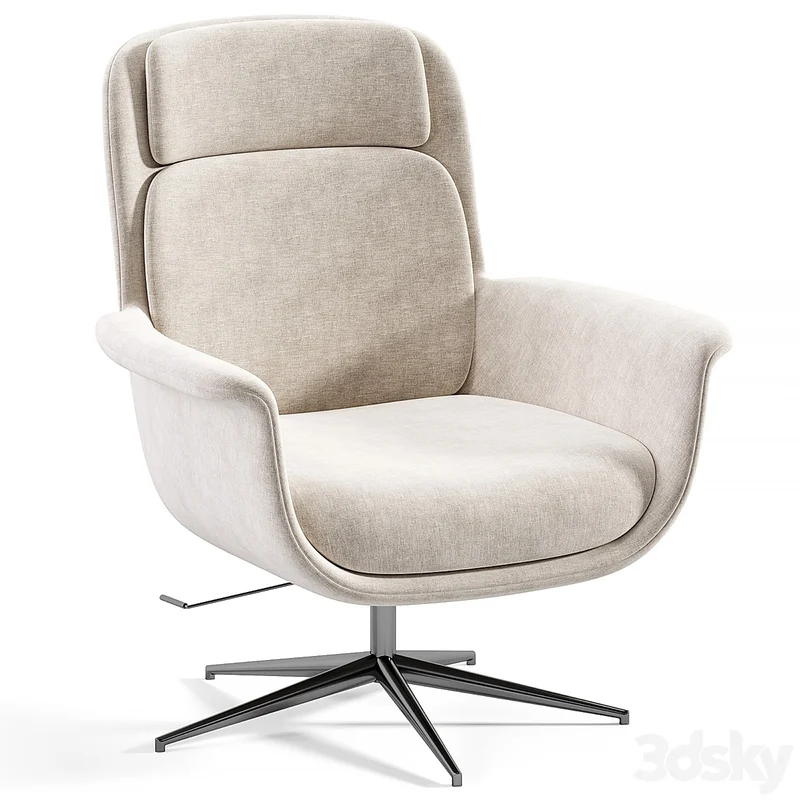
A cream bouclé armchair with a rounded back, soft upholstered arms, and a matching cushion.
a cream bouclé armchair
RioloFound by its new description✓No uploads. No AI subscription. Captions and tags stay editable.
ORGANIZE
Add your preview images to the library. Browse them by category, bring them together in Smart Folders, and find the reference you need.
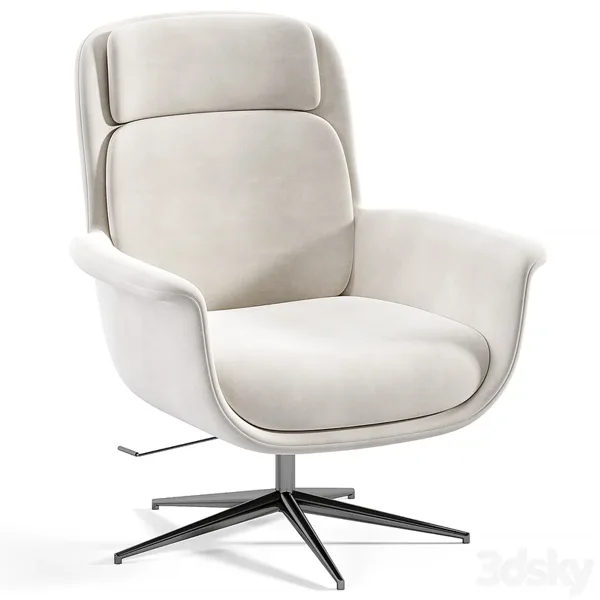
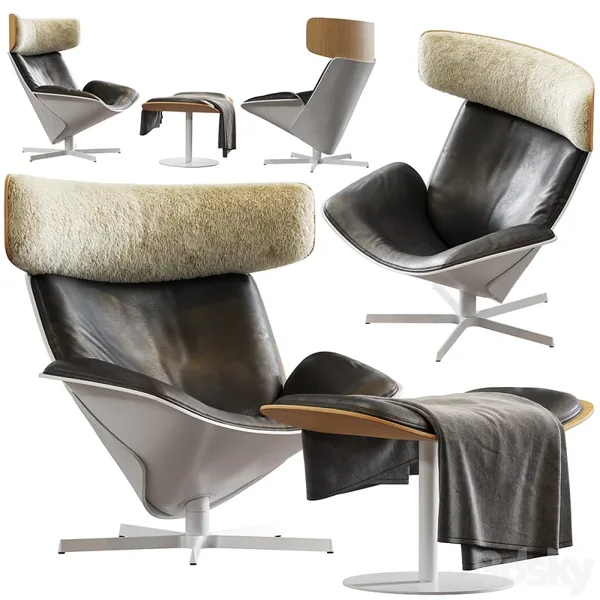
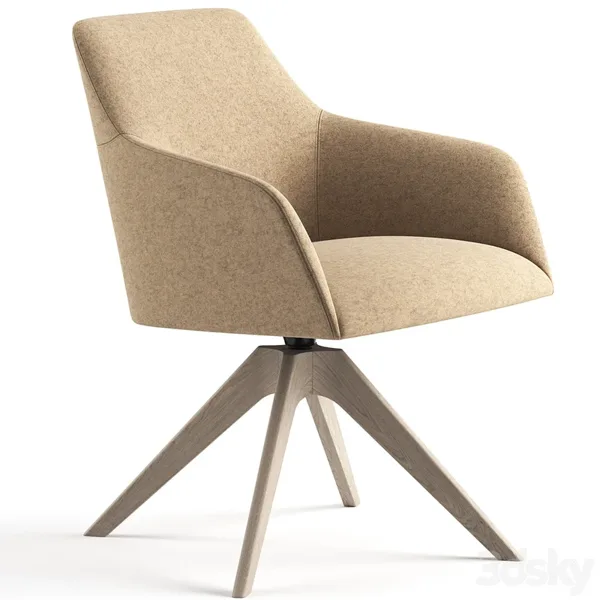
Pictures, 3D models, or a mix of both. Oruva works out what is what.
Same names connect instantly: riolo.zip, riolo-1.jpg, riolo-2.jpg. Where names differ, Oruva also uses files downloaded together and lists anything it cannot decide in Model Matcher. Your files are never renamed or changed.
Anything left over is listed with the closest model already selected. Connect all found in one click, then Send to your 3D app.
riolo-2.jpg↔riolo.zipBest practice: one name for the model and its pictures, views numbered -1, -2, -3. In our test library, 7,985 of 7,986 pictures were connected automatically.
SCENE GENERATOR
The models you already own, brought together. Oruva finds, extracts, and converts them into one native scene — grouped and named.
SCENE GENERATORAlmora armchair
Colette table lamp
Chandelier
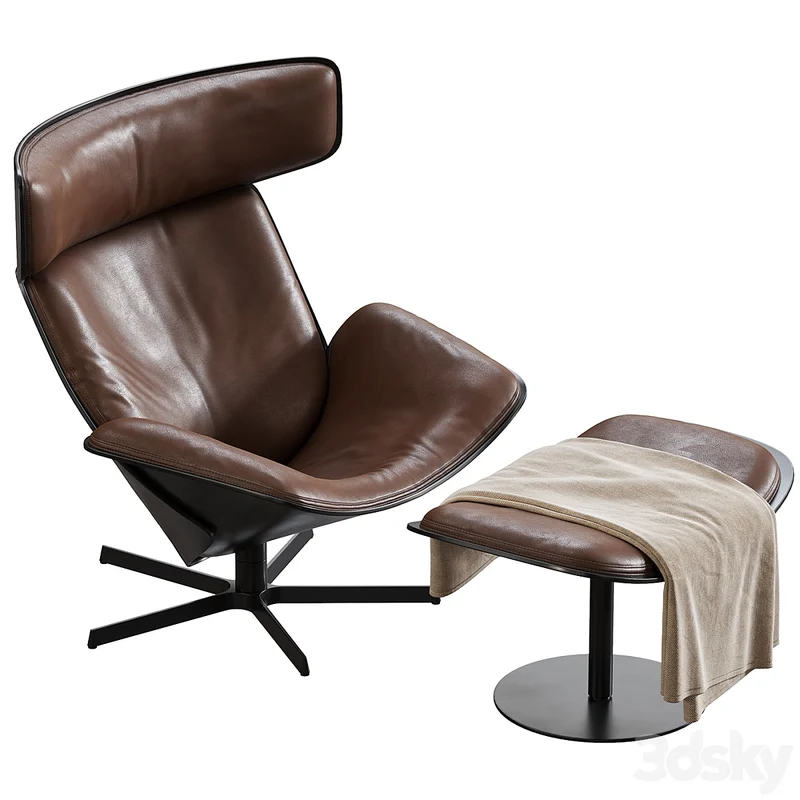
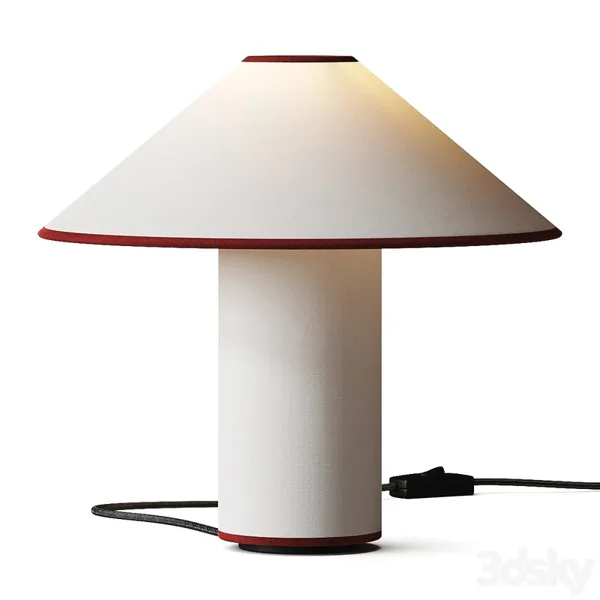
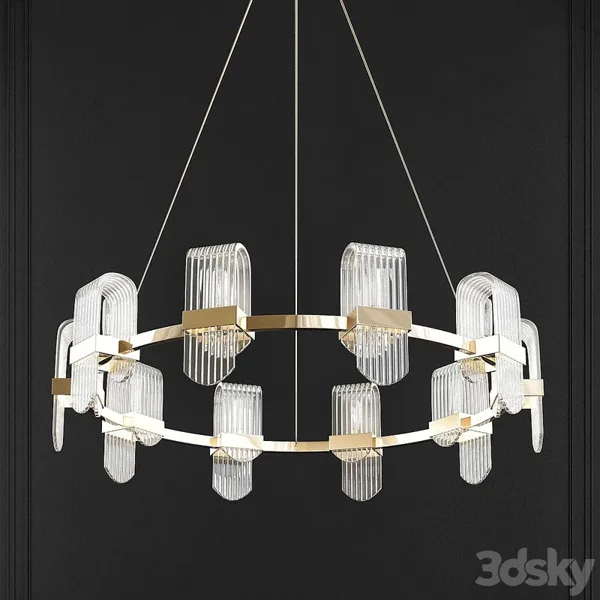 Cinema 4Dliving-room-set.c4dAlmora armchair✓Colette table lamp✓Chandelier✓
Cinema 4D · Blender · Maya · Houdini · SketchUp
MAX scenes and supported archives. Up to 3 GiB of .max files per assembled scene. Requirements ↗︎
AND THEN SOME
Moodboard
Pin references, connect ideas, and add notes on a canvas inside your library. Search the board to find the models that bring it together.
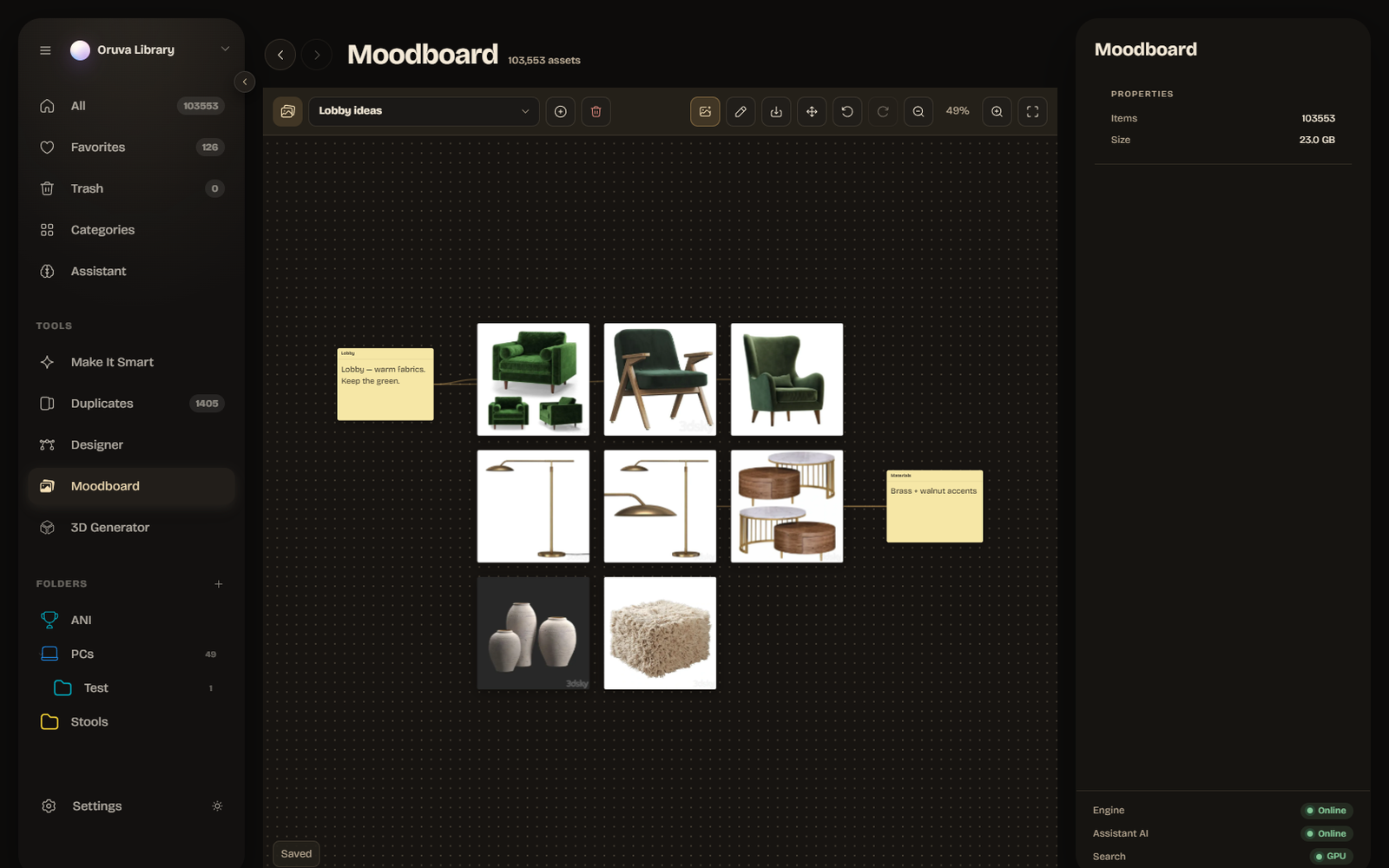
Oruva Link
Give ChatGPT in the Codex app, or the Claude desktop app, a photo or a sentence. Oruva connects it to your models and your open 3D scene. Windows · paid licenses.
Built in Blender · No human editsFind models with the same style, palette, or both. Start with a swatch, a hex color, or up to eight reference images.
Save a search that keeps up with your library. Add automatic tags, choose from 1,400+ icons, and protect a folder with a password.
A home for every collection, on any drive. Create, switch, merge, or bring your existing Eagle library with you. Move a library to another computer as one Library Pack, with its connected 3D models if you choose. Share only content your licenses allow.
Bought it twice? Downloaded it again? Find visual duplicates, compare them side by side, and choose what to keep.
Search by hex, paint swatch, or a palette from up to eight images. Narrow it down by shape, rating, size, and tags.
Install and update community plugins in place. Review their permissions, or build your own with the SDK.
Oruva organizes and converts files you own or are licensed to use; optional web searches remain subject to each provider's terms and grant no download or redistribution rights, and Oruva sells no 3D models and distributes no third-party content.
Explore the plugin SDKIndexing, search, captions, and conversion run on your machine. Your account handles access and license checks, not your library.
One-time license. No subscription.
Oruva license
Try free 14 days ↗︎ · no credit card · account required
Windows first · Mac coming soon
Set up personally for your studio at launch.
Windows first · Mac coming soon
Both include: a license you keep and use forever · 1 year of updates included (renewal optional) · optional local AI for tags, names and search · conversion to every supported app and renderer · Oruva Link scene building (Windows; requires the Codex app or Claude desktop app)
Prices in USD. Local taxes may apply and are shown at checkout, together with the final currency and total. Oruva is desktop software delivered by download. Your license never expires — you keep using your version forever. A license includes one year of updates. It does not include physical goods, 3D models, third-party applications, or renderer licenses. Updates after the first year are optional: $59/year for Individual, with no subscription. Studio renewals & update details ↗︎ Studio: 5 seats $399, 10 seats $699, one-time. Invoice available. Studio seats belong to named people and are not shared or rotated. Conversions work offline for up to 30 days between sign-ins (Studio: 90 days). The free trial does not include AI scene building with ChatGPT and Claude. Launch prices end on March 22, 2027. After that, Individual is $149, and Studio is $599 for 5 seats or $999 for 10 seats. Paddle is the seller and merchant of record for purchases through Paddle, handling payment, applicable tax/VAT, invoices, and refunds. Refund Policy ↗︎
An account and periodic online license checks remain required. Optional external features can send selected content to the service you choose.
Before you ask
No. Oruva reads .max files on its own, so 3ds Max isn't needed. Send your models to Cinema 4D, Blender, Maya, Houdini or SketchUp: you just need that app and its renderer installed, and Oruva sets up the connection for you in one click. Already use 3ds Max? Oruva can send there too — it opens the scene, or merges it into the scene you have open in 3ds Max 2027.
Supported materials become native, connected nodes. When a renderer cannot express something exactly, Oruva reports the approximation. A perfect 1:1 render is not guaranteed.
Oruva is built for Windows and Mac. The Mac download is coming very soon. Oruva Link scene building is Windows only for now. There is no Linux package.
Best results come from matching names: riolo.zip with riolo.jpg, and extra views as riolo-1.jpg, riolo-2.jpg, riolo-3.jpg. When you add a folder, Oruva connects those instantly and saves the connection in your library. Where names differ, it also uses files that were downloaded together, and Model Matcher lists whatever is left with the closest model already selected. Oruva never renames, moves, or changes your files. How connecting works ↗︎
An account is required to use Oruva, including the trial. Create one with your email and a password. Buying links the license to your account automatically. There are no serial numbers.
The free trial includes the app for 14 days, with 10 conversions in total. Oruva Link scene building requires a paid license. Scene Generator is limited to three models per run during the trial; each assembled scene counts as one conversion. Using all 10 stops trial conversions; the rest of the app remains available until the 14 days end. An account is required. The trial is tied to your account and machine; reinstalling Oruva or clearing its app data does not restart it.
You can get a full refund for any reason, including a change of mind, within 14 calendar days of payment. Request it through Paddle or email sales@oruva.app, using the payment date on your receipt; a timely request stays timely while we process it. Report duplicate payments when discovered. This period does not limit rights under Paddle's applicable terms or mandatory consumer law. See the Refund Policy for details.
Your one-time purchase includes one year of updates from the purchase date. Individual update renewals are an optional $59 per year; contact us for Studio renewal pricing. Your existing license stays valid if you do not renew. There are no automatic renewal charges. Update and license details ↗︎ See pricing ↗︎
Conversions work offline for up to 30 days between sign-ins, or 90 days for Studio. Sign in again to refresh that window. Your library stays local; the account is used for purchase, activation, and license checks only.
Cinema 4D 2024+; Blender 4.2–5.2; Maya 2024–2027; Houdini 20.5–21.x; SketchUp 2024–2026; and 3ds Max, if installed (2027 to merge into an open scene or build with AI). See renderer and version details ↗︎
Your library stays on your machine. Indexing, search, AI captions, and conversion run locally. Optional external features, such as web image search and certain plugins, can send selected content to outside services when you use them. When ChatGPT or Claude builds a scene, it sees the previews, names and sizes it asks for and pictures of the scene it renders, never your model files or folder paths. Your account does not sync or back up the library. Read the Privacy Policy ↗︎
Oruva Link builds with models from your own library. ChatGPT or Claude chooses models, places them in your open scene with native materials, builds the room and any simple pieces your library lacks, adds lights and a camera, then renders and refines. You keep an editable scene.
Use ChatGPT through the Codex app or the Claude desktop app, on the same computer as Oruva and your 3D app. Enable the local connection in Preferences › GPT/Claude. Oruva’s built-in local AI handles tags, names and search; scene building uses the external assistant.
Cinema 4D, Blender, Maya, Houdini and 3ds Max 2027 today, with SketchUp coming. It works in the scene you have open, with the models of your active library, and every change is a single undo step. In 3ds Max it brings in and arranges models but doesn’t render, and a model it brings in isn’t one undo step yet.
No. Oruva Link scene building is included with paid Oruva licenses and is Windows only for now. It stays off until you turn it on in Preferences › GPT/Claude. You also need ChatGPT through the Codex app or the Claude desktop app on the same computer.
Convert files you own or are licensed to use into supported scenes for your chosen 3D app. Conversion does not require 3ds Max to be installed.
14-day trial · 10 conversions · no credit card · account required · Windows & Mac
The version you buy is yours to keep.